
Signing in
| Message | What to do |
|---|---|
| Invalid email or password. | Check the address for typos. If you are not sure of the password, reset it. |
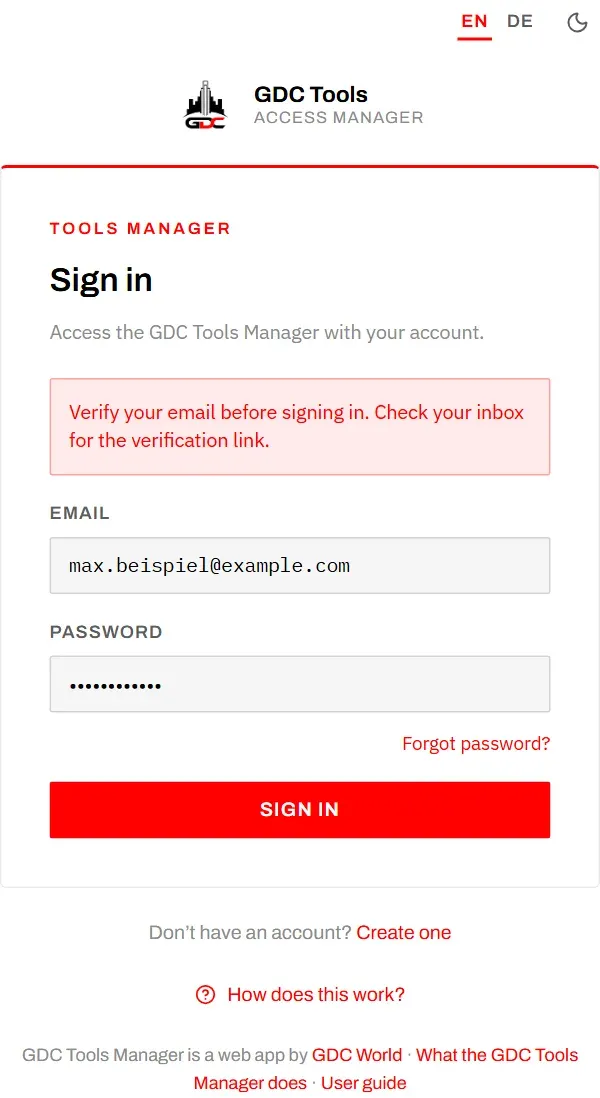
| Verify your email before signing in. | Your address is not confirmed yet. See Confirming your email. |
| A login with this email already exists. | This address already has an account. Sign in, or reset the password. |
Confirming your email
After signing up, we send a link to confirm your address. Until you select it, you cannot sign in.
- No email? Look in your spam folder. Make sure you signed up with the right address.
- Invalid or expired verification link. The link is valid for 24 hours and works once. If it has expired, write to dev@gdc-world.de: an administrator can confirm your address for you.
- You signed up through an invitation link? Then there is nothing to confirm: you were signed in straight away.
- Not confirmed within 48 hours? The account is deleted, so the address is free again. Simply sign up once more.
- The robot check could not load. The sign-up and password forms ask you to confirm that you are not a robot. Check your connection or turn off content blockers for this page, then reload.
Tool access
| What you see | What it means |
|---|---|
| A tool is listed under Other tools | You have no access yet. Choose Request access. |
| A tool is listed under Awaiting approval | Your request waits for an administrator. Nothing to do. |
| A tool says you have not requested access to it yet | Choose Request access there, or request it on My tools. See A tool asks you to request access. |
| A tool says your access is awaiting admin approval | Your request is still open, seen from inside the tool. |
| A tool says your access request was declined | An administrator declined it. Choose Request again there or on My tools. |
| Your access to a tool was removed | An administrator removed it. You can request the tool again under Other tools. |
| A tool says it has been taken offline | It is out of service; see Offline. Nothing to do. |
| A tool says it is not available yet | It is still in development and open to testers only. |
| No tools available to you yet. on My tools | None of your requests is approved yet, or you have not sent any. See Other tools. |
| A tool shows none of your family’s data | You are in a different household from your family. See My household. |
| A tool signed you out after you changed household | Intended: moving between households signs you out of every tool. Sign in again. |
If you are waiting longer than expected, write to dev@gdc-world.de.
Password
Forgotten: on the sign-in page, choose Forgot password?, enter your address and choose Send reset link. If there is an account for it, you receive an email with the subject Reset your GDC password. Its link is valid for 1 hour.
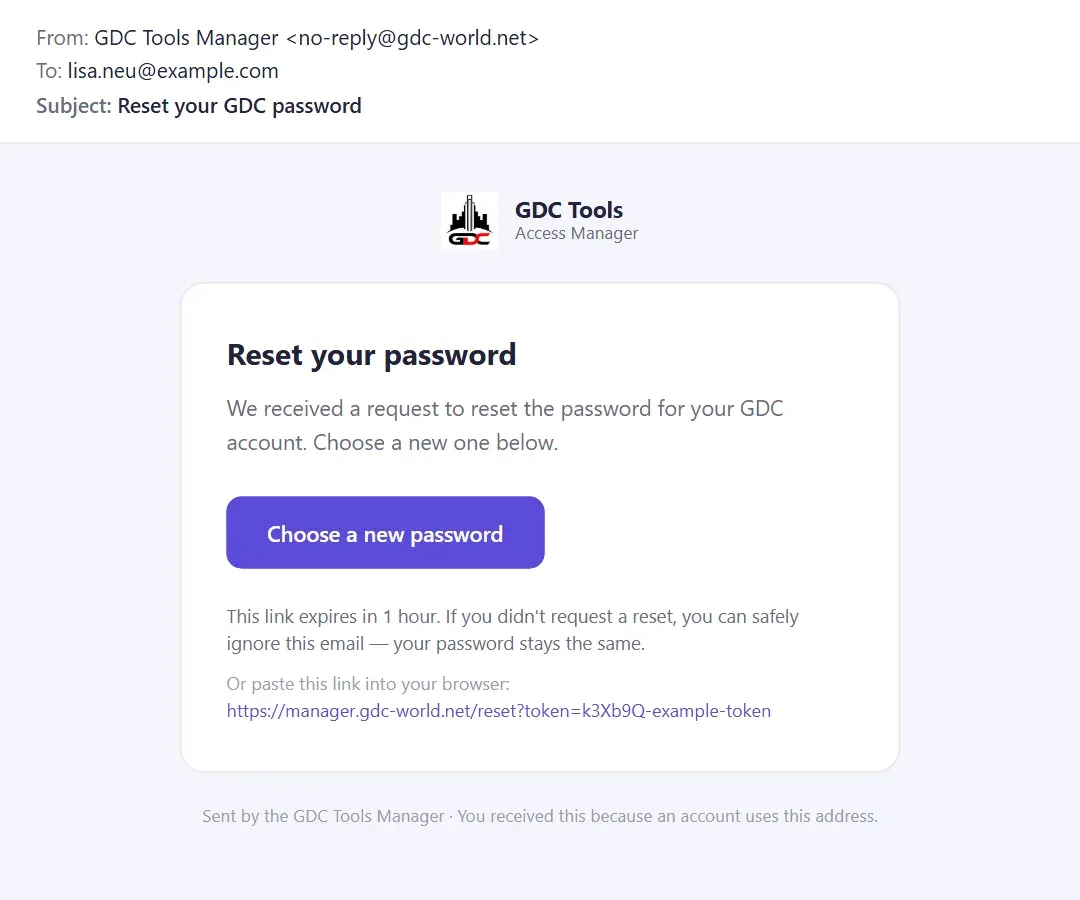
The link opens Choose a new password: enter it twice and choose Reset password.
Known, but want a new one: use Change password on your Profile.
A password needs at least 8 characters. Passwords do not match. means the two entries differ.
Invitations
| Message or situation | What it means |
|---|---|
| This invitation was sent to a different address. | You signed up through an invitation link with another address. Use the invited address, or sign up without the link. |
| You were invited does not appear on the sign-up page | The link was revoked, has expired after 30 days, or was already used. Ask for a new invitation. |
| This user already belongs to the household … | Everyone can only be in one household at a time. They have to be moved out of their current household first. |
| An invitation is already pending for this address. | You invited this person already. See Invitations sent on My household. |
| The invitation is not on My tools | It may have expired or been revoked, or it was sent to another of your addresses. |