
Filter by cat
Regular weighing is one of the simplest ways to notice early that a cat is unwell. The Weight page shows each cat’s latest weight at a glance and keeps every weighing in one list.
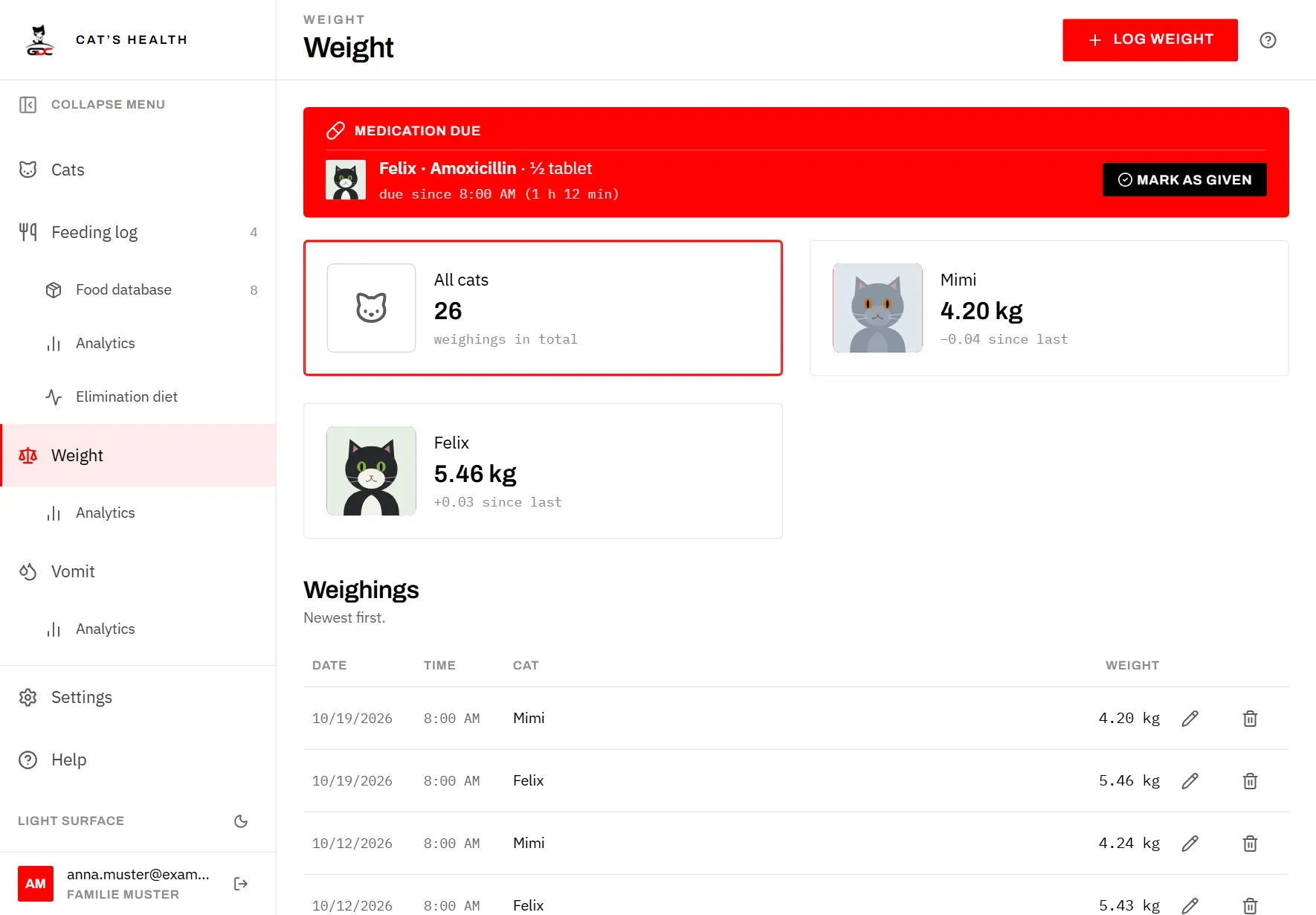
At the top there is one card per cat, with its picture, plus an All cats card:
- All cats shows how many weighings are recorded in total.
- Each cat’s card shows its latest weight and, below it, how much it has changed since the weighing before (for example “+0.03 since last”). With only one weighing, you see its date instead; a cat that has not been weighed yet says Never weighed.
To see only one cat’s weighings, tap its card. The card is highlighted and the others are dimmed. Tap the same card again, or All cats, to see all weighings again.
Good to know:
- The filter is kept in the page address. It survives reloading the page and the Back button, and the Latest weight tile on a cat’s profile opens this page already filtered to that cat.
- A cat that has died has no card. Its weighings are still in the list under All cats.
- While a cat is selected, Log weight starts with that cat already chosen.
Log a weighing
Logging a weighing takes a few seconds: put the cat on the scale, note the number, enter it.
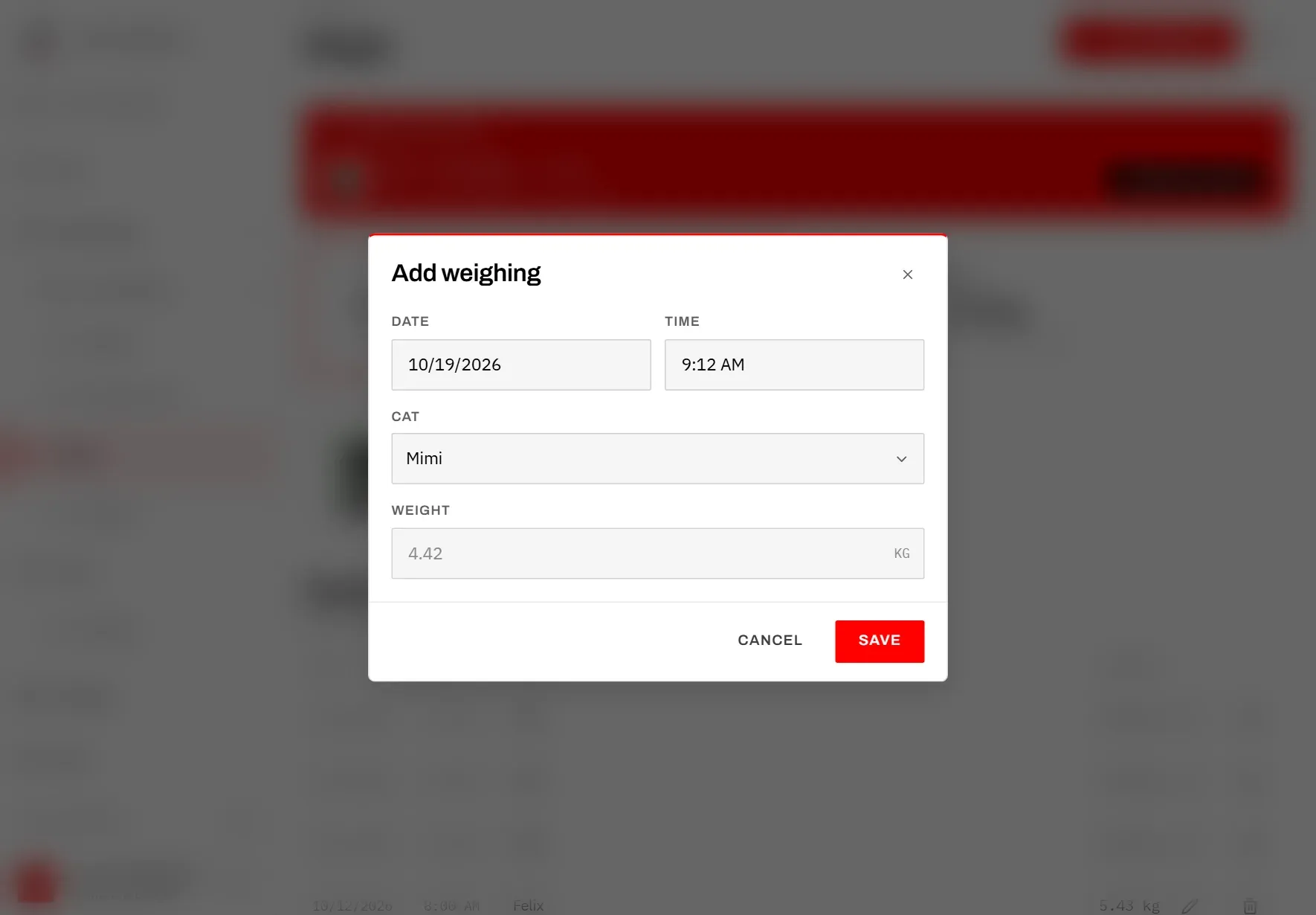
- Tap Log weight at the top right.
- Check Date and Time. Both are filled in with now, because most weighings are entered right away. Change them if you weighed earlier.
- Choose the Cat. If a cat was selected in the filter, it is already chosen; otherwise the first cat is.
- Enter the Weight in kilograms, for example 4.42. Both a point and a comma work as the decimal sign.
- Tap Save (or press Enter in the weight field).
You see Weighing saved, and the weighing appears in the list and on the cat’s card. Only living cats can be chosen. If the weight is missing or zero, the dialog shows Enter a weight in kilograms.
Log weight only appears once at least one living cat exists. If there is no cat yet, the page asks you to add one first.
The weighings
Below the cards, Weighings lists every weighing, newest first, with Date, Time, Cat and Weight. When a cat is selected in the filter, only its weighings are listed.
The list shows a dozen weighings at a time. Tap Load more at the end to see older ones.
To correct a weighing:
- Tap the pencil next to it.
- In Edit weighing, change the date, time, cat or weight.
- Tap Save.
To delete a weighing, tap the bin next to it (or the bin at the bottom left of Edit weighing). The app asks Delete this weighing? and shows the cat, date and weight. Tap Delete to confirm. This can’t be undone.
To see how the weights develop over time, open Analytics below Weight in the menu (see Weight analytics).